

MavenOSPhone and iPad
The Whole Business, in Your Pocket.
Every tool works on your phone and iPad with layouts built for them, not shrunk to fit. Add it to your home screen and it opens like an app.
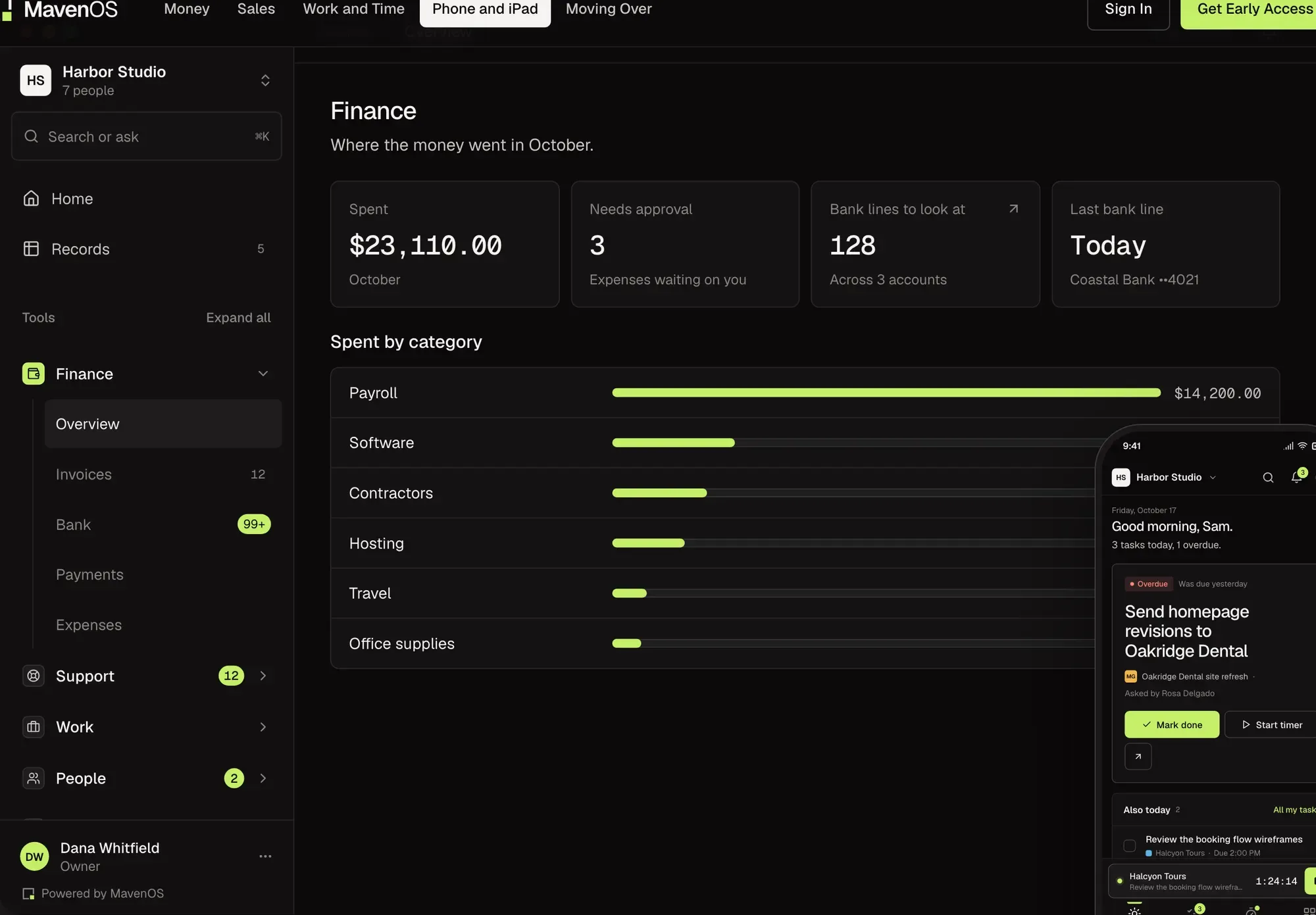
Built for Thumbs, Not Zoomed Out.
Most Business Tools on a Phone
- LayoutDesktop, shrunk
- MenusHidden in a corner
- No signalNothing saves
- UpdatesThrough the app store
MavenOS on a Phone
- Tabs at the bottom, where your thumb already is.
- Big tap targets, and sheets that slide up instead of pop-ups.
- Tasks and notes wait on the phone and send when you're back online.
- Add it to your home screen. It keeps itself up to date.
Capture
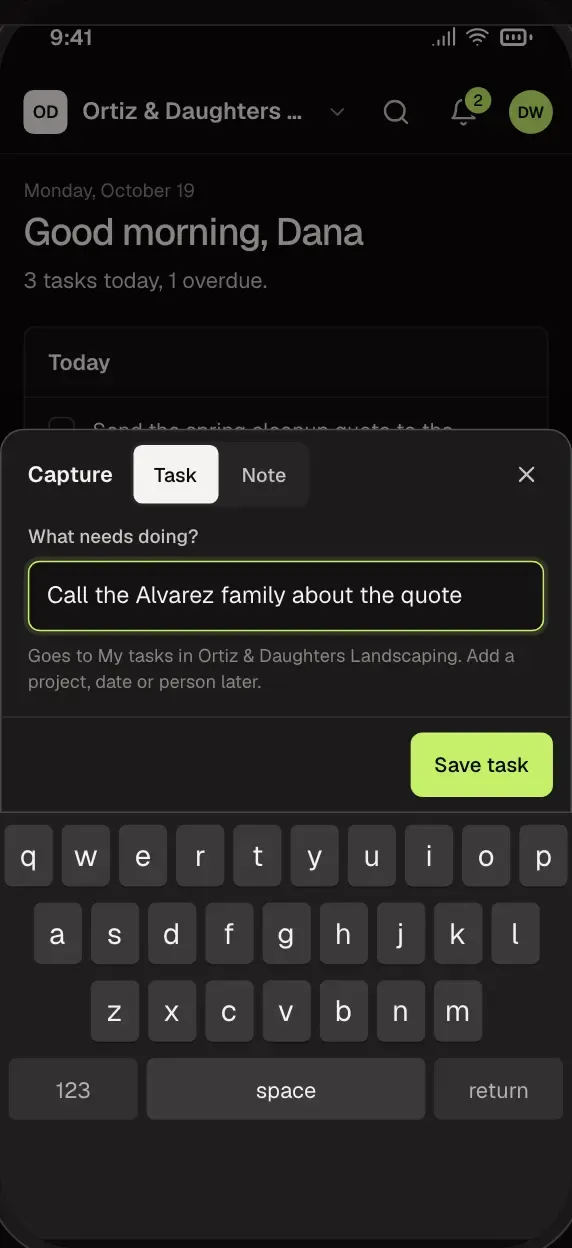
Jot It Down, Even With No Signal.
Write down a task or a note and it's saved. With no signal, it waits on the phone and sends itself when you're back. Photo receipts are planned.
- Tasks and notes from one button.
- Saved on the phone until there's a connection.
- Sent oldest first, each one once.
Bank and Invoices
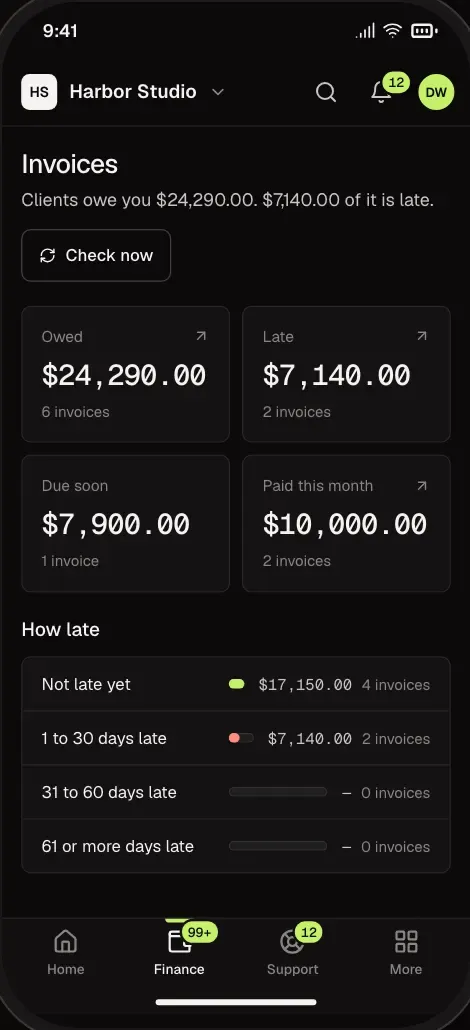
Clear the Bank Between Jobs.
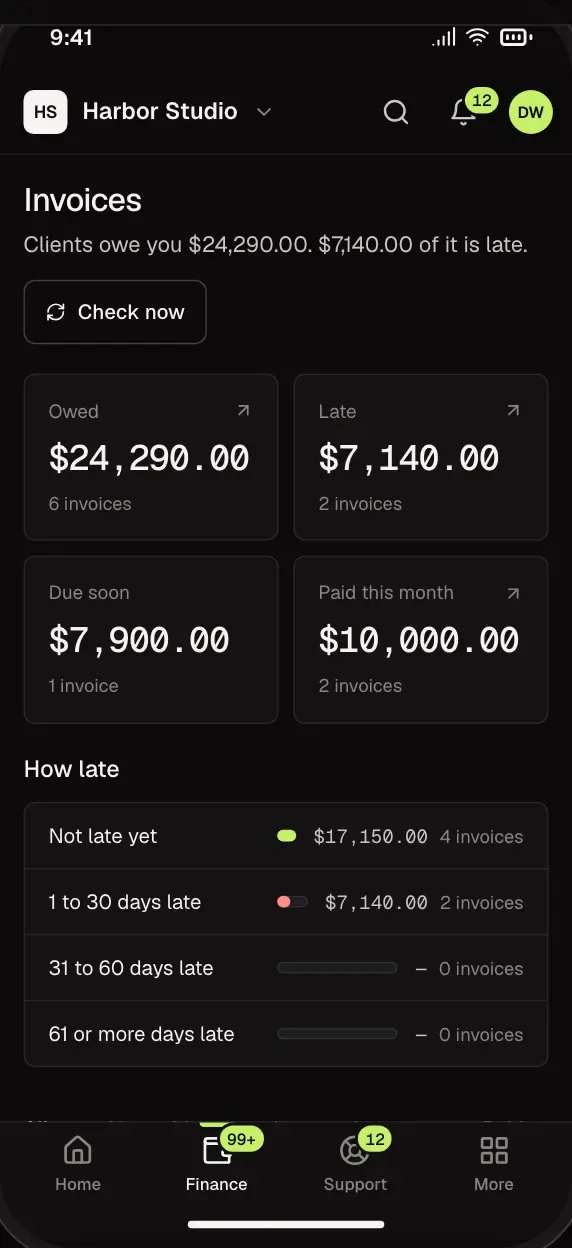
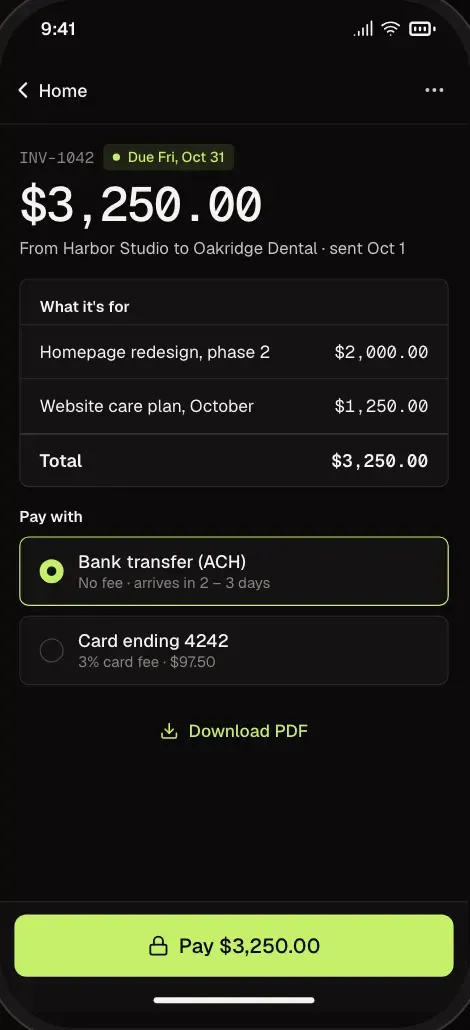
Bank lines and invoices fit the phone. Accept a filed line in a tap, and see which invoices are late.
- Work through the queue one line at a time.
- See which invoices are late, due or paid.
- Big tap targets, sheets that slide up.
Your Day
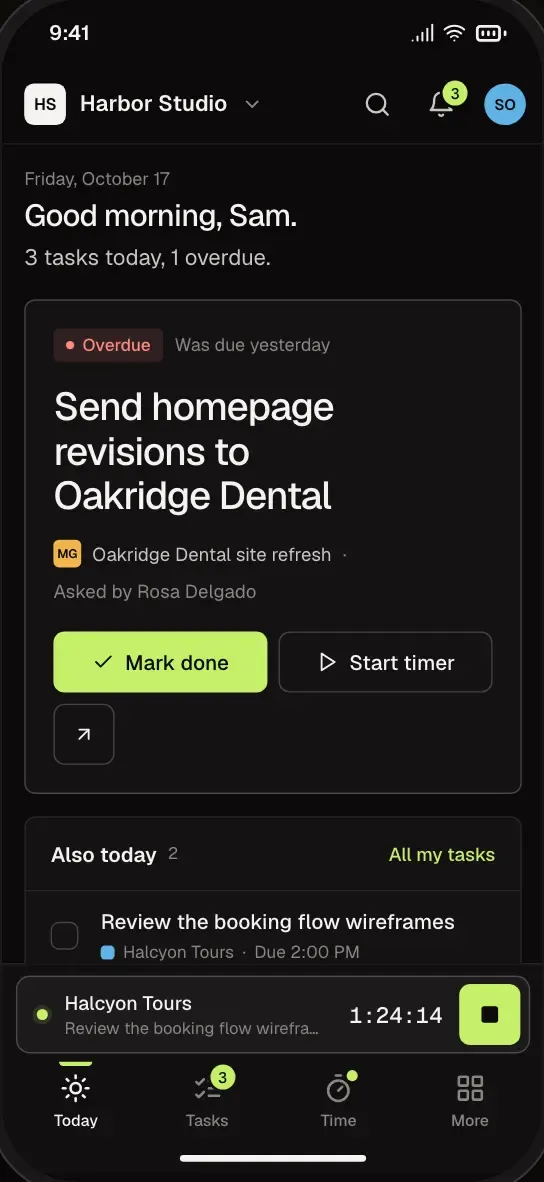
Your Day, Without Opening a Laptop.
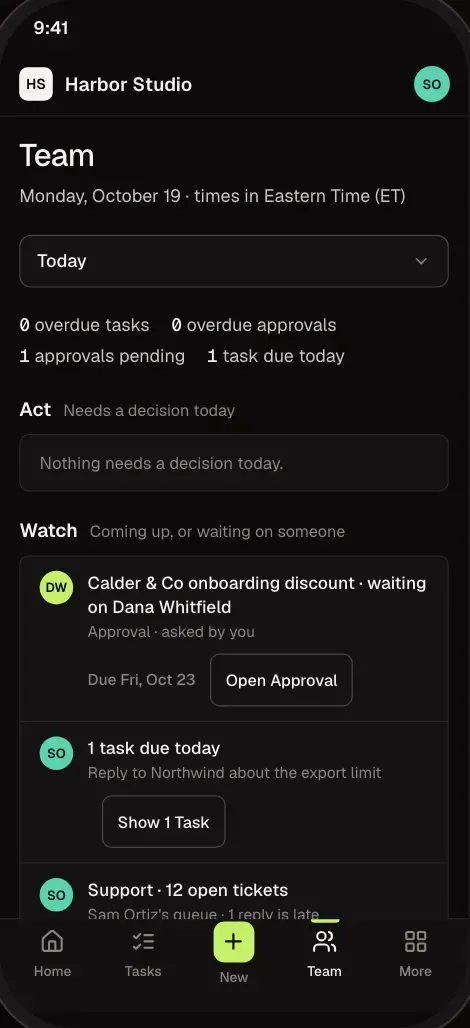
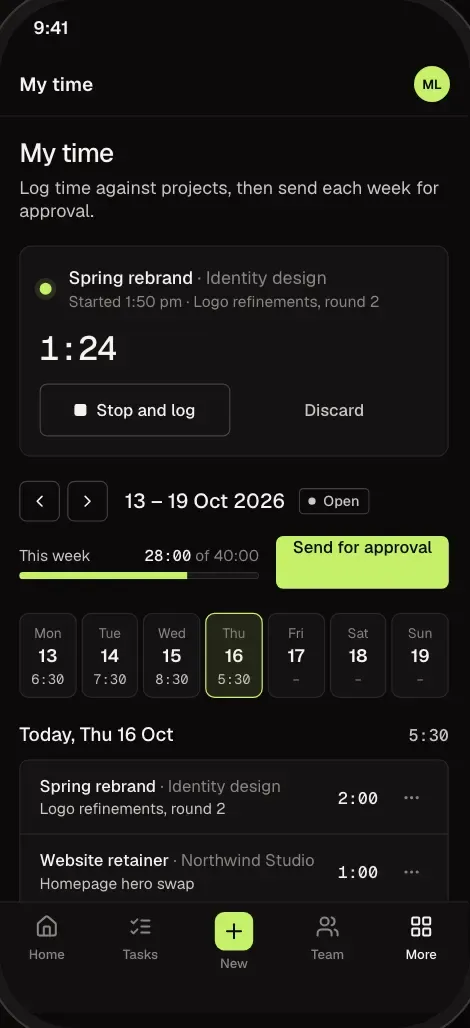
What's due, what's waiting on you, your tasks and the timer, laid out for one hand.
- Today's tasks, sorted by what's late.
- Start and stop the timer from anywhere.
- Time-off requests wait on Home for approvers.
iPad
Room to Work on iPad.
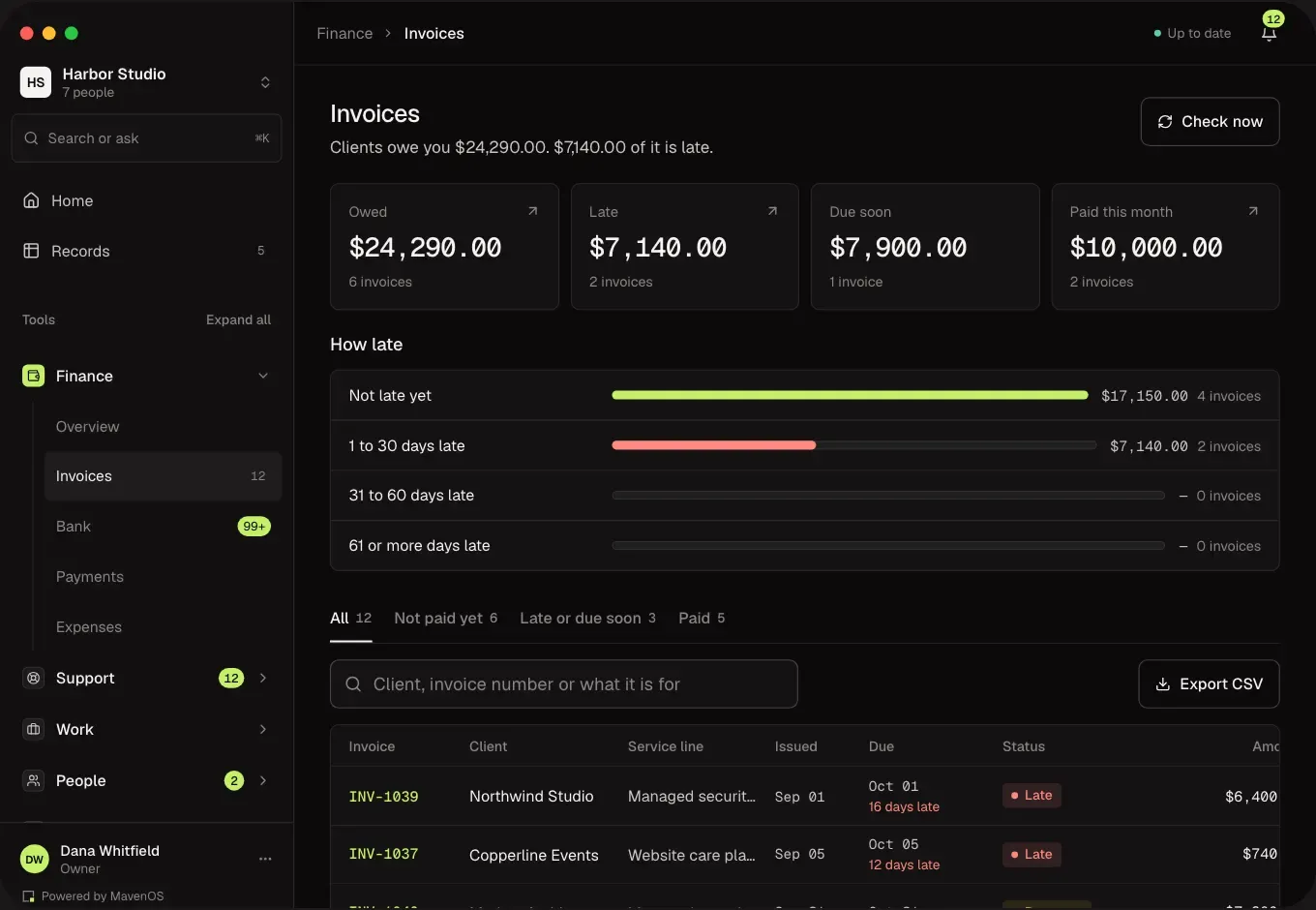
On iPad, the sidebar stays open in landscape and tucks away in portrait. Keep MavenOS beside your email at half or a third of the screen.
- Sidebar opens beside your work in landscape.
- Works in Split View beside your email.
- Keyboard shortcuts when a keyboard is attached.
Client Portal
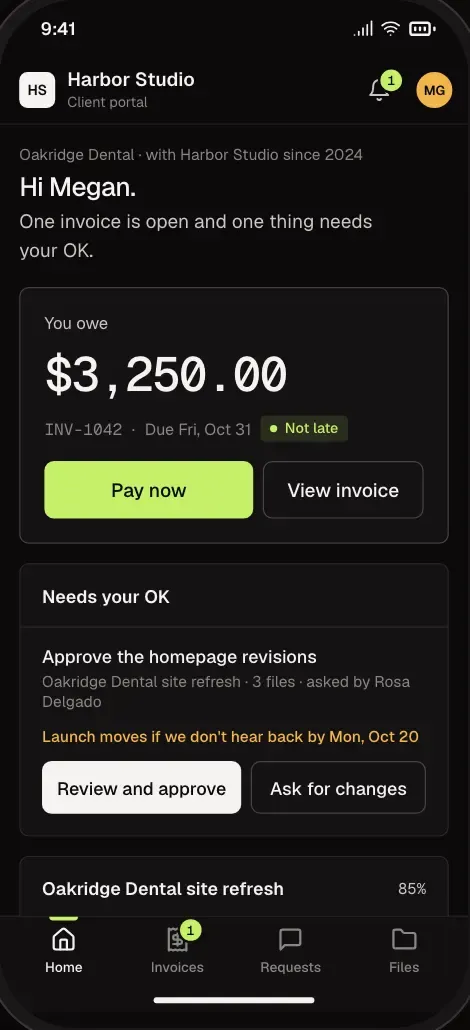
A Portal for Your Clients, Too.
Clients sign in to their own portal to see invoices, open the pay link and send requests. They only ever see what's theirs.
- Invoices with a pay link while one is open.
- Requests go straight to Support.
- Their own sign-in, separate from your team's.
Home Screen
On Your Home Screen in Two Taps.
No app store and no updates to wait for. Add MavenOS from the browser and it opens full-screen, with its own icon.
- Works on iPhone, Android and iPad.
- Opens full-screen, without the browser bar.
- Light or dark, following your phone.
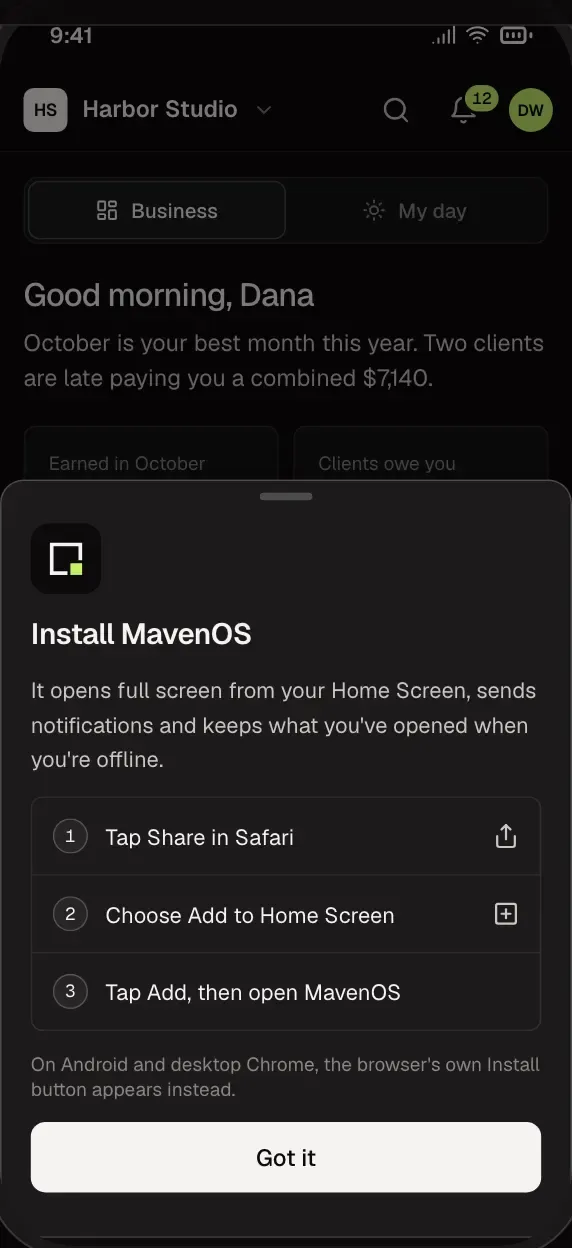
There's no need for one. Add MavenOS to your home screen from the browser and it opens full-screen like an app, always up to date.
Tasks and notes save on the phone and send themselves when you're back online. Everything else needs a connection.
Every tool. Some screens rearrange for the phone, but nothing is left out.
Yes. The client portal works in the browser on any phone.
Yes. It follows your phone's setting, or you can pick the one you like.
More of MavenOS.
All 13 ToolsRun the Business. Not the Spreadsheets.
We're letting businesses in a few at a time. Tell us a little about yours and we'll be in touch.